Sunrise
إذا أردت إظهار التأثير في مكان معين، فقم بما يلي:
أنشئ كودًا قصيرًا عبر إضافة الكود التالي في ملف functions.php:
/**
* كود قصير لعرض تأثير الجسيمات لشعار الموقع في المكان الذي يوضع فيه
*/
function render_logo_particle_shortcode() {
ob_start();
?>
<div class="logo-particle-container"><canvas id="logo-particle-canvas"></canvas></div>
<style>
.logo-particle-container {
position: relative;
width: 100%;
height: 500px; /* يمكن تعديله حسب الرغبة */
background-color: #000;
overflow: hidden;
}
.logo-particle-container canvas {
width: 100%;
height: 100%;
display: block;
}
</style>
<script>
jQuery(document).ready(function($) {
var logoSrc = "";
var logoElement = $(".site-logo img, .custom-logo, img[alt*='logo'], .logo img").first();
if (logoElement.length) {
logoSrc = logoElement.attr("src");
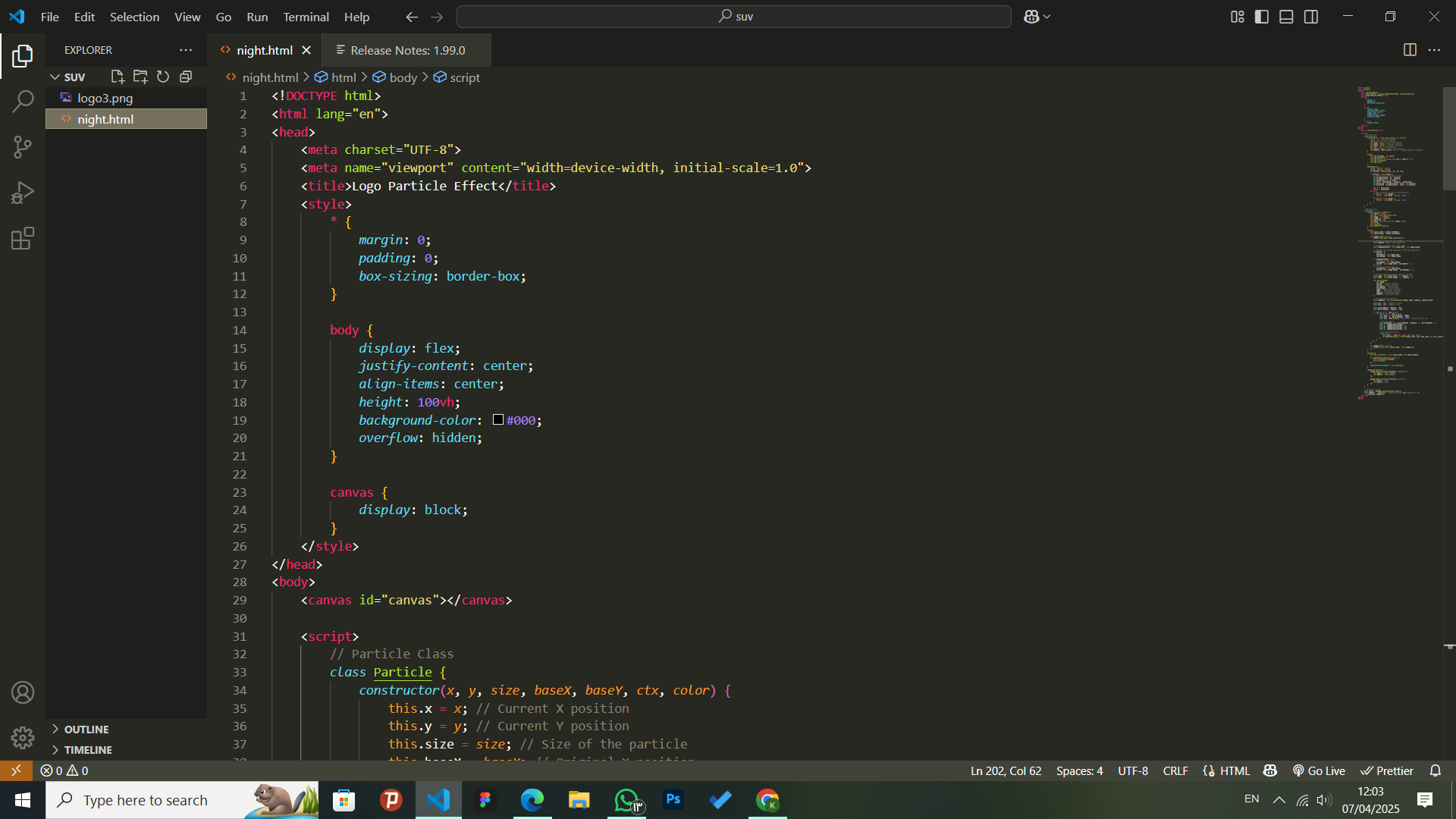
class Particle {
constructor(x, y, size, baseX, baseY, ctx, color) {
this.x = x;
this.y = y;
this.size = size;
this.baseX = baseX;
this.baseY = baseY;
this.ctx = ctx;
this.color = color;
this.density = Math.random() * 30 + 2;
}
draw() {
this.ctx.fillStyle = this.color;
this.ctx.beginPath();
this.ctx.arc(this.x, this.y, this.size, 0, Math.PI * 2);
this.ctx.closePath();
this.ctx.fill();
}
update(mouse) {
let dx = mouse.x - this.x;
let dy = mouse.y - this.y;
let distance = Math.sqrt(dx * dx + dy * dy);
if (distance < mouse.radius) {
let forceDirectionX = dx / distance;
let forceDirectionY = dy / distance;
let maxDistance = mouse.radius;
let force = (maxDistance - distance) / maxDistance;
let directionX = forceDirectionX * force * this.density;
let directionY = forceDirectionY * force * this.density;
this.x -= directionX;
this.y -= directionY;
} else {
if (this.x !== this.baseX) {
this.x += (this.baseX - this.x) * 0.05;
}
if (this.y !== this.baseY) {
this.y += (this.baseY - this.y) * 0.05;
}
}
}
}
class App {
constructor(canvas, imageSrc) {
this.canvas = canvas;
this.ctx = canvas.getContext("2d");
this.image = new Image();
this.image.crossOrigin = "Anonymous";
this.image.src = imageSrc;
this.particles = [];
this.mouse = { x: null, y: null, radius: 150 };
this.init();
this.animate();
this.addEventListeners();
}
init() {
this.canvas.width = this.canvas.offsetWidth;
this.canvas.height = this.canvas.offsetHeight;
this.image.onload = () => {
const logoSize = Math.min(this.canvas.width, this.canvas.height) * 0.6;
const logoX = (this.canvas.width - logoSize) / 2;
const logoY = (this.canvas.height - logoSize) / 2;
this.ctx.drawImage(this.image, logoX, logoY, logoSize, logoSize);
const imageData = this.ctx.getImageData(logoX, logoY, logoSize, logoSize).data;
const cols = 100;
const rows = 100;
const particleWidth = logoSize / cols;
const particleHeight = logoSize / rows;
for (let y = 0; y < rows; y++) {
for (let x = 0; x < cols; x++) {
const posX = x * particleWidth + logoX;
const posY = y * particleHeight + logoY;
const size = Math.random() * 0.5 + 0.5;
const pixelIndex = (y * particleHeight * logoSize + x * particleWidth) * 4;
const r = imageData[pixelIndex];
const g = imageData[pixelIndex + 1];
const b = imageData[pixelIndex + 2];
const a = imageData[pixelIndex + 3];
if (a > 0) {
const color = `rgba(${r}, ${g}, ${b}, ${a / 255})`;
this.particles.push(new Particle(posX, posY, size, posX, posY, this.ctx, color));
}
}
}
};
}
animate() {
this.ctx.clearRect(0, 0, this.canvas.width, this.canvas.height);
this.particles.forEach((particle) => {
particle.update(this.mouse);
particle.draw();
});
requestAnimationFrame(() => this.animate());
}
addEventListeners() {
this.canvas.addEventListener("mousemove", (event) => {
const rect = this.canvas.getBoundingClientRect();
this.mouse.x = event.clientX - rect.left;
this.mouse.y = event.clientY - rect.top;
});
this.canvas.addEventListener("mouseleave", () => {
this.mouse.x = null;
this.mouse.y = null;
});
}
}
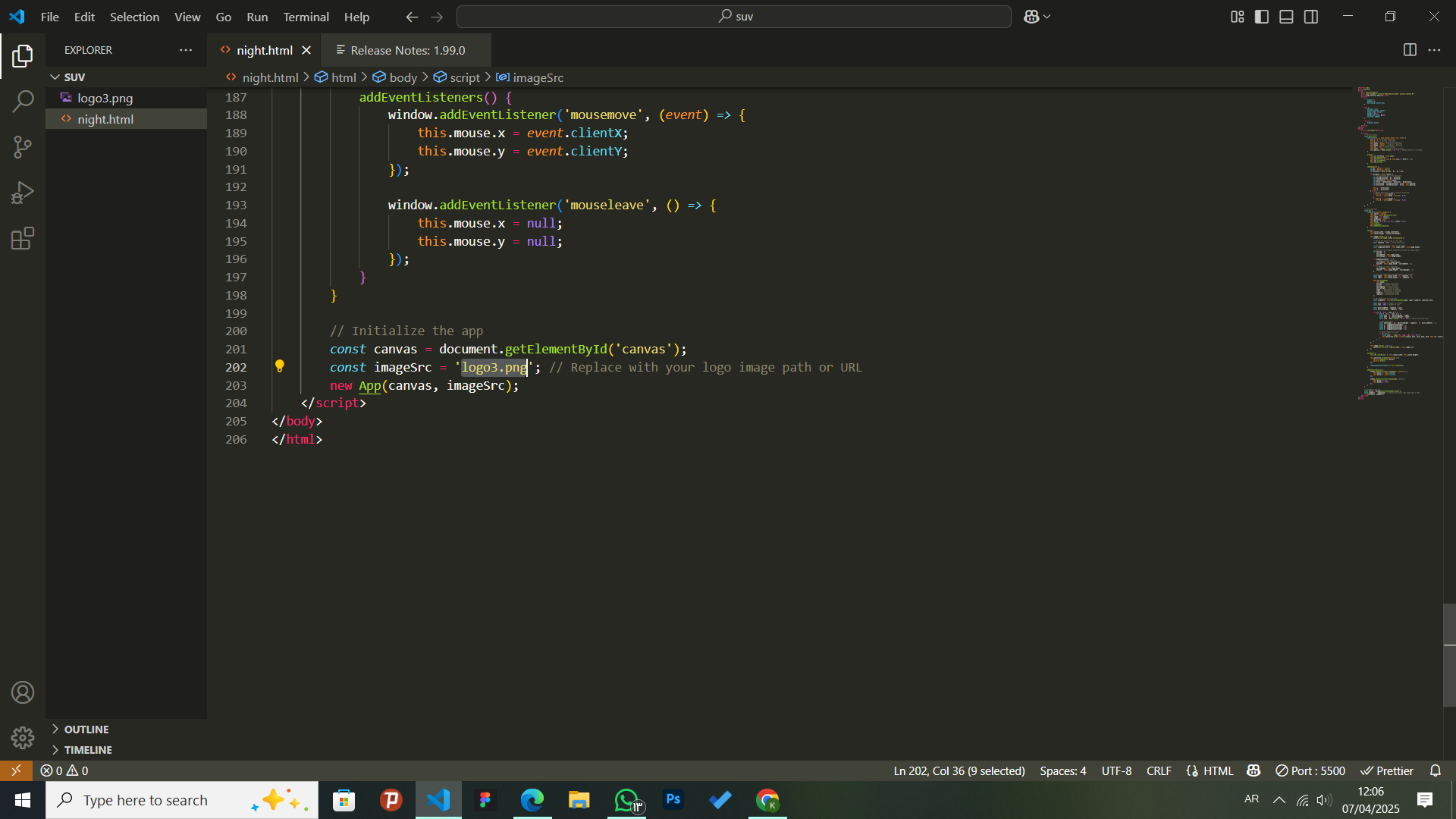
const canvas = document.getElementById("logo-particle-canvas");
new App(canvas, logoSrc);
} else {
console.error("لم يتم العثور على صورة الشعار في الصفحة");
}
});
</script>
<?php
return ob_get_clean();
}
add_shortcode('logo_particles', 'render_logo_particle_shortcode');
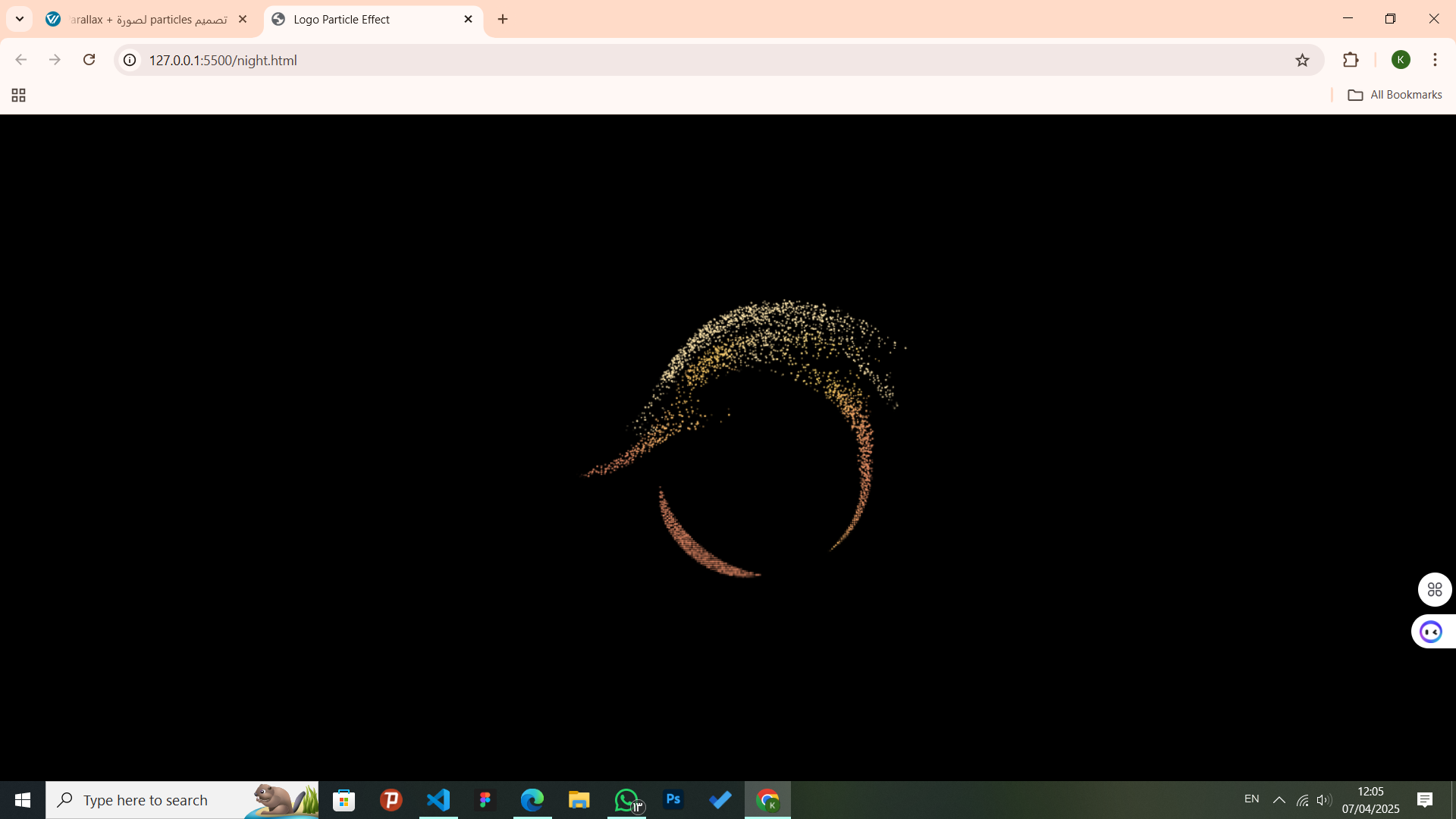
بعد ذلك، سيظهر التأثير في أي مكان تضيف فيه الكود القصير التالي:
[logo_particles]
أرجو تجريب ذلك وإعلامي بالنتيجة.